
0
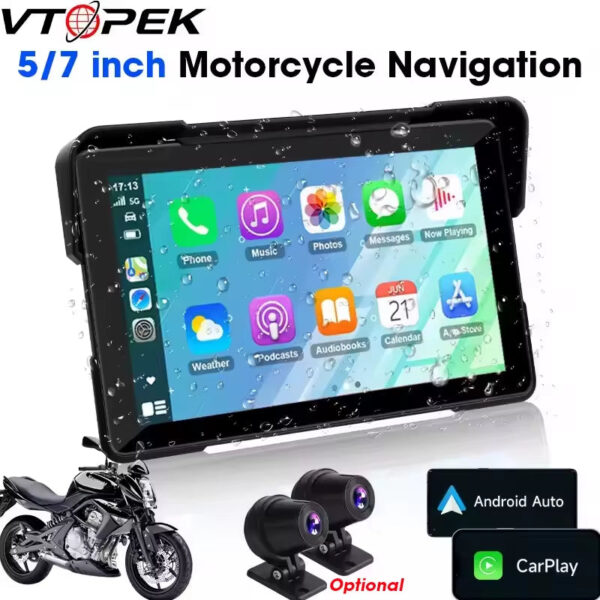
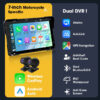
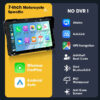
Vtopek 5″/7″ Inch Motorcycle DVR GPS Navigation Multimedia Player Wireless Carplay Android Auto IPX7 Waterproof Screen Recorder
Price range: $64.44 through $118.42
Calculate shipping price
Please fill in the fields below with the shipping destination details in order to calculate the shipping cost.
Description
⚠️ Important Pre-purchase Warnings & Usage Notes
Before purchasing, please read the following key points to ensure this product meets your needs and is compatible with your device.
1. 📱 Device Compatibility (CRITICAL)
Incompatible Phones: This unit is NOT compatible with Samsung S22 Ultra, Galaxy A20 (SM-A205g), A54, Huawei P40 Pro, or P30 Pro.
Android Auto Limitation: Most Xiaomi, Huawei, and Samsung phones do NOT support Android Auto. If you require Android Auto, please verify your phone’s compatibility first to avoid disappointment.
2. ⚙️ Product Configuration & Essentials
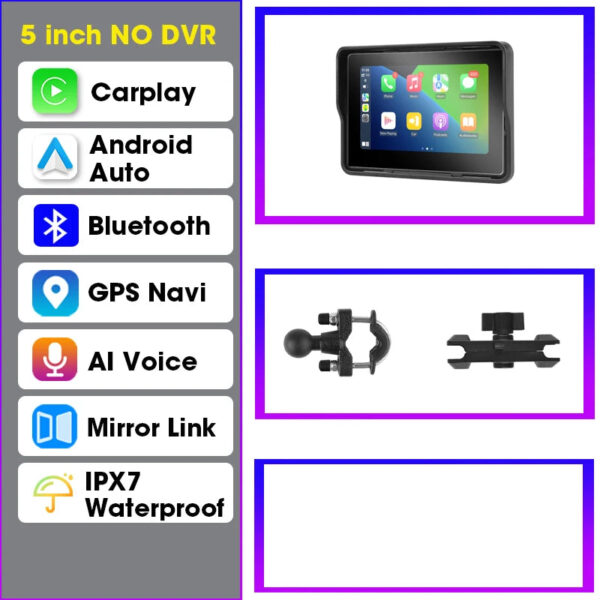
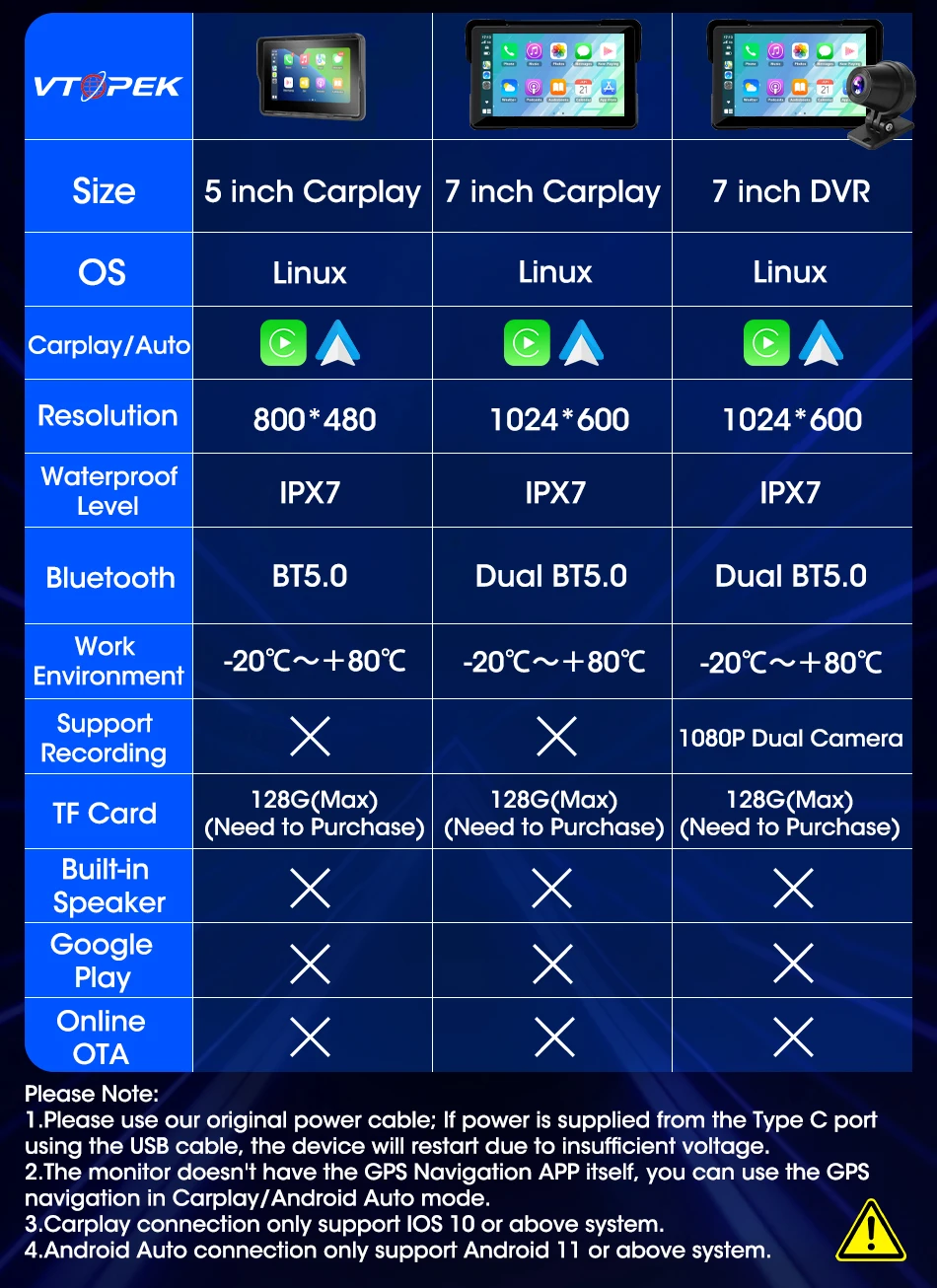
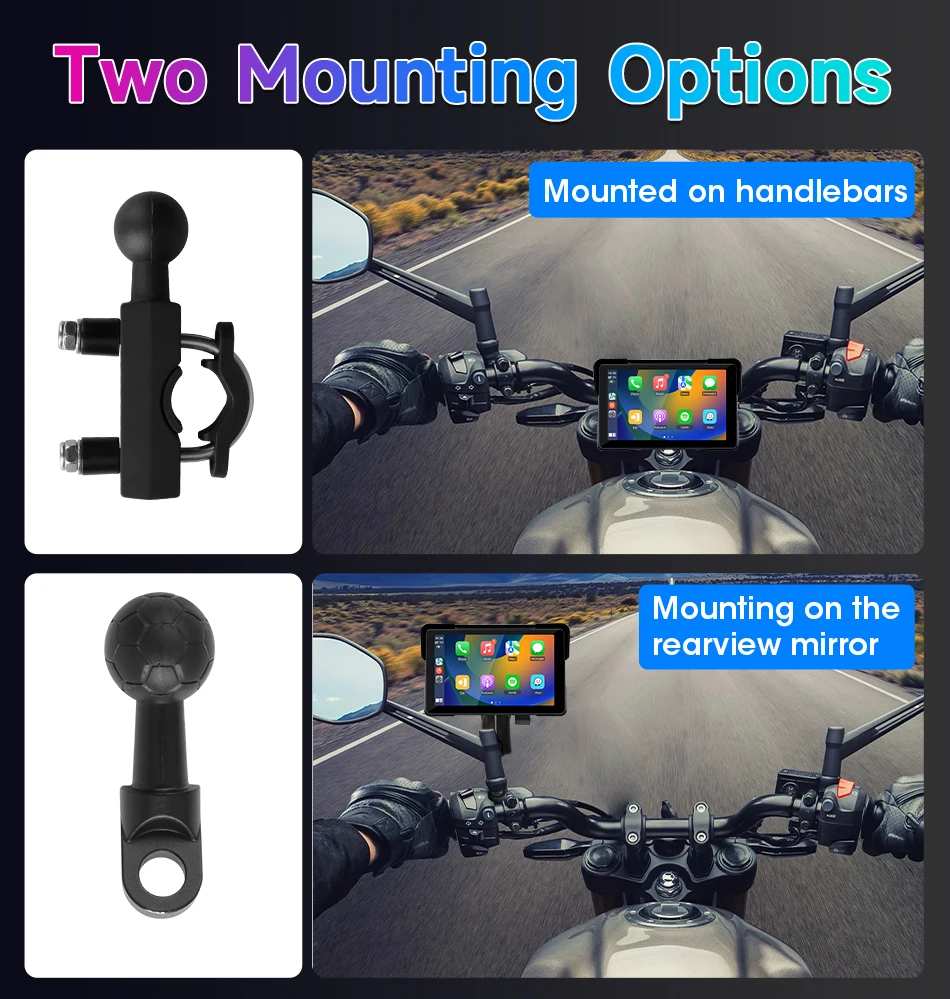
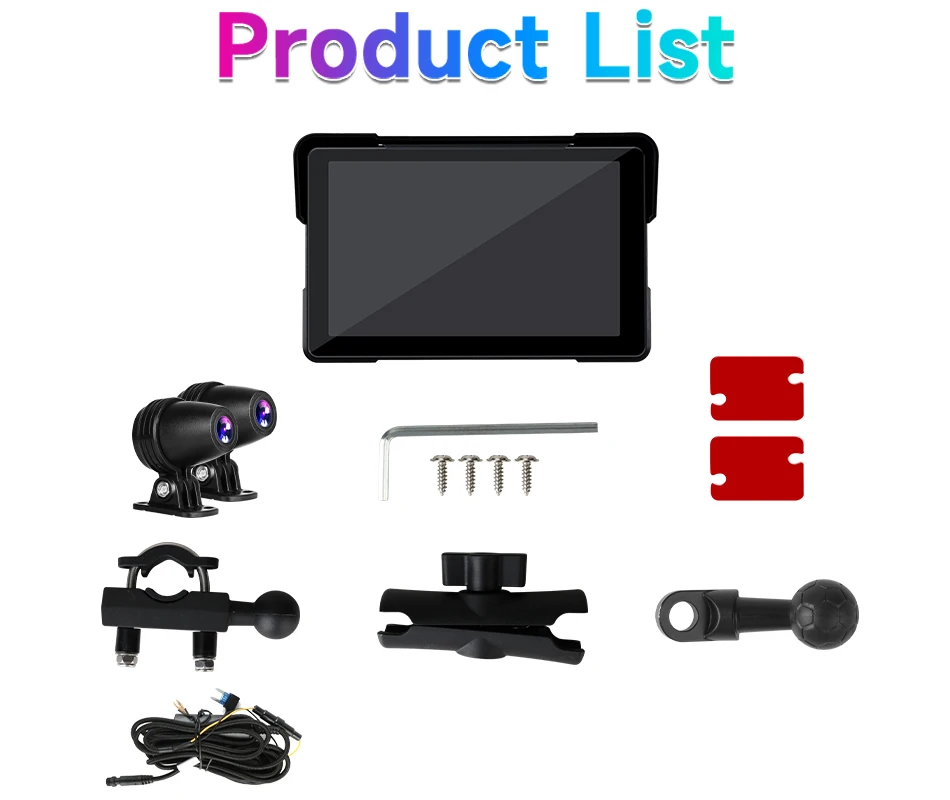
Model Difference: 5-inch model has no camera. For the 7-inch model, the camera is optional (please confirm your selection).
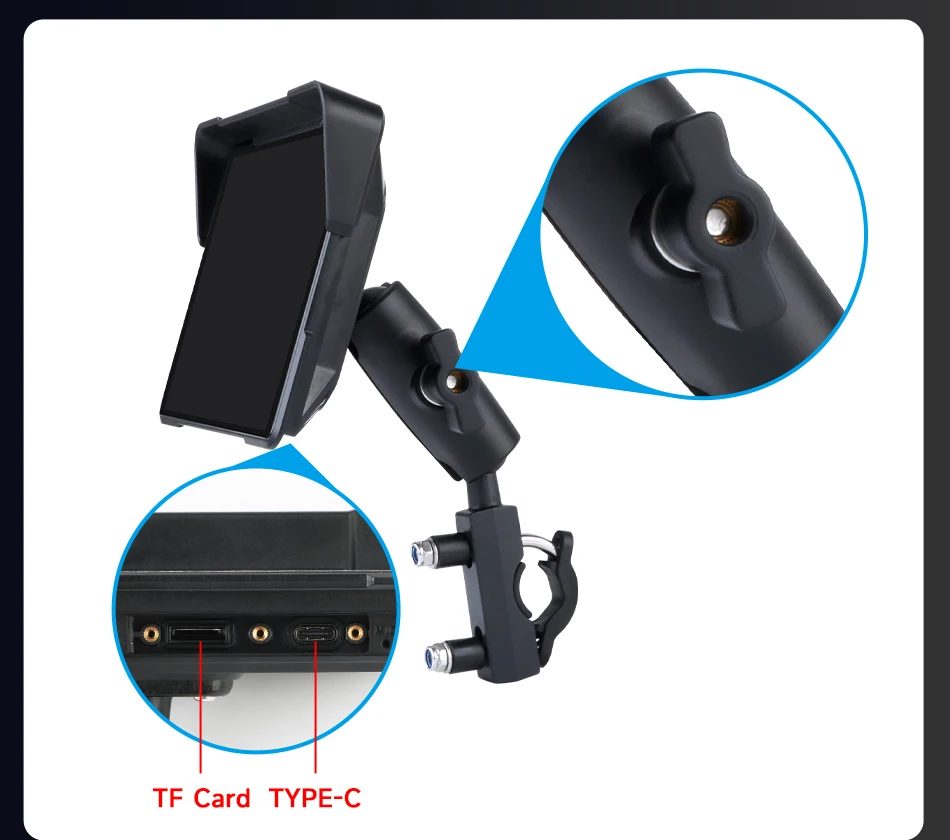
Cables & Cards: Use only the original power cable provided. The Type-C port is sealed (waterproof) and cannot be used. You must use a Class 10 or higher SD card (Class 9 or lower will not work).

3. ⚡ Electrical Safety Warning (MUST READ)
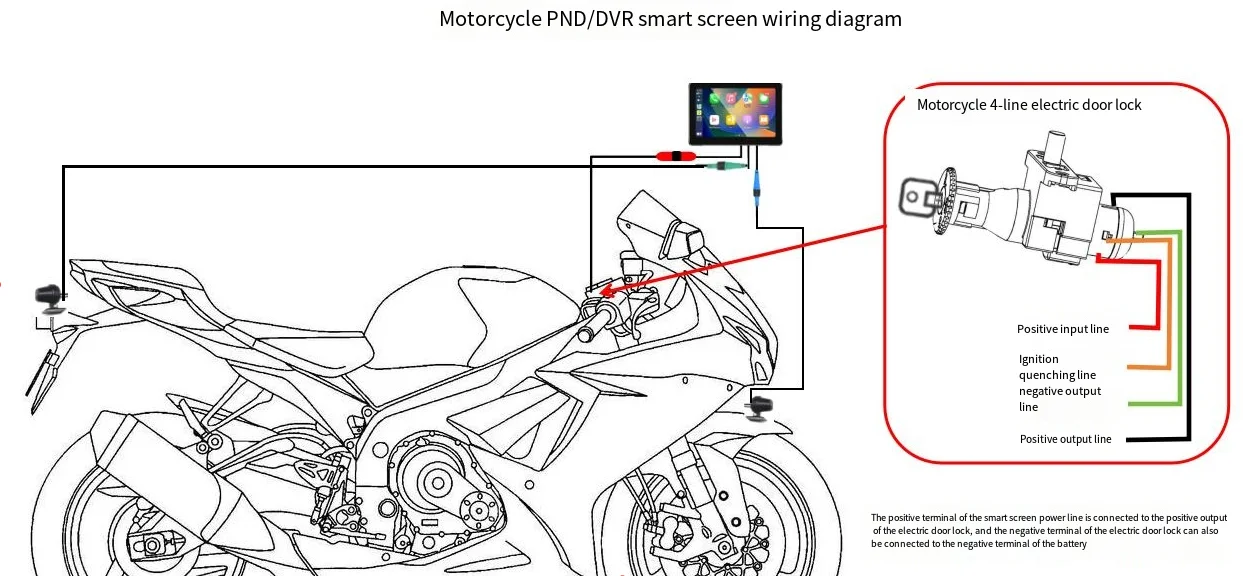
NEVER connect the power cables directly to the motorcycle battery terminals, as this will cause a short circuit and permanent damage.
Correct Connection: Connect the screen’s positive (red) wire to the positive terminal of your bike’s power lock (ACC), and the negative (black) wire to the negative terminal or frame ground.
4. 📞 After-Sales Support Commitment
If you encounter any issues, please contact JMCQ Store via our official store:
https://www.aliexpress.com/store/1101399813
We guarantee a response within 12 hours to provide solutions, including troubleshooting, free replacements for quality issues, or refunds.
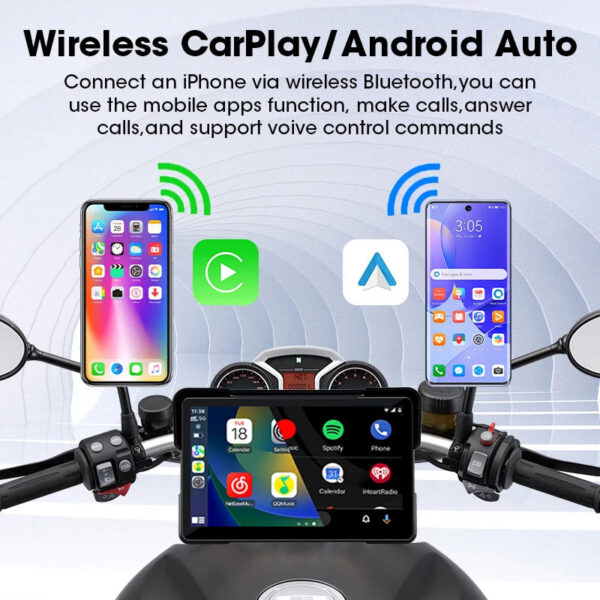
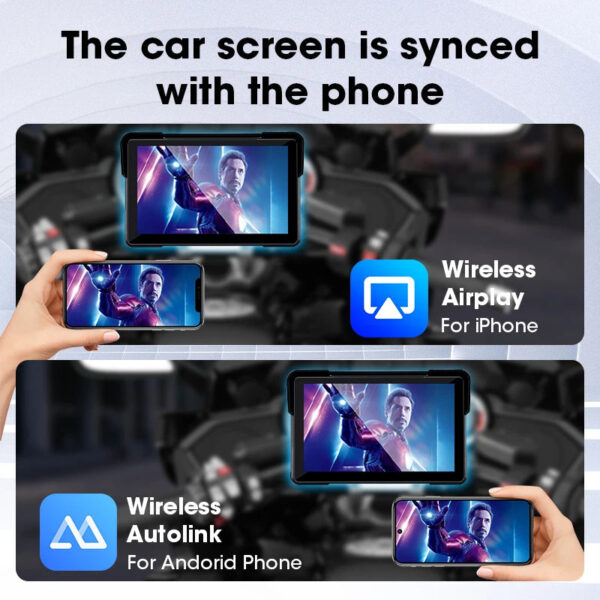
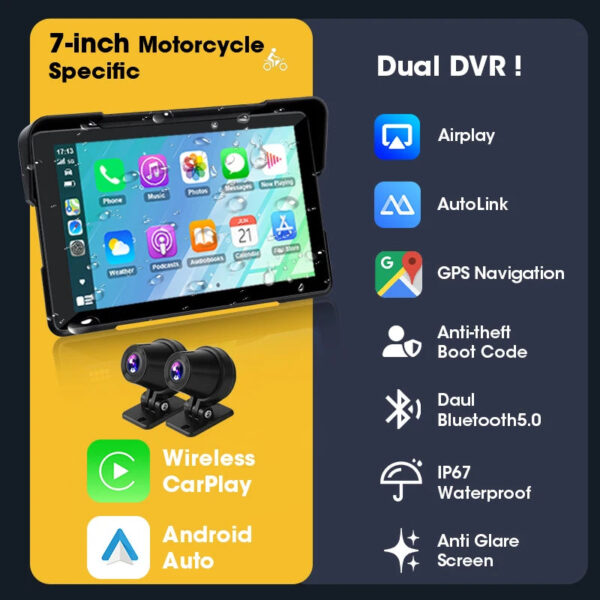
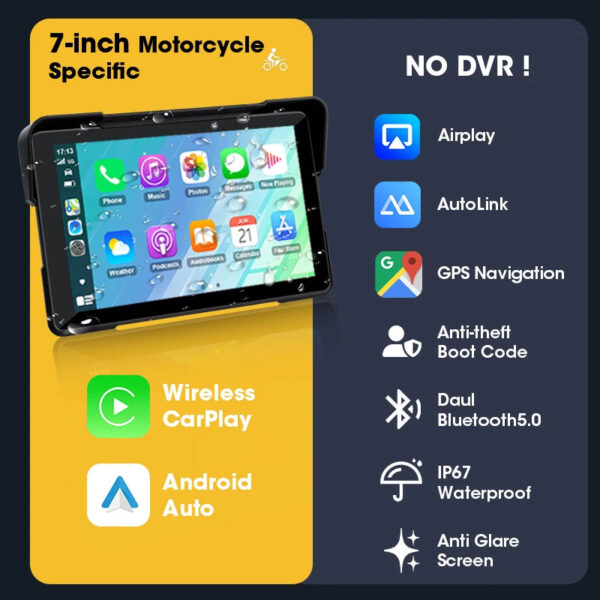
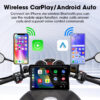
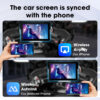
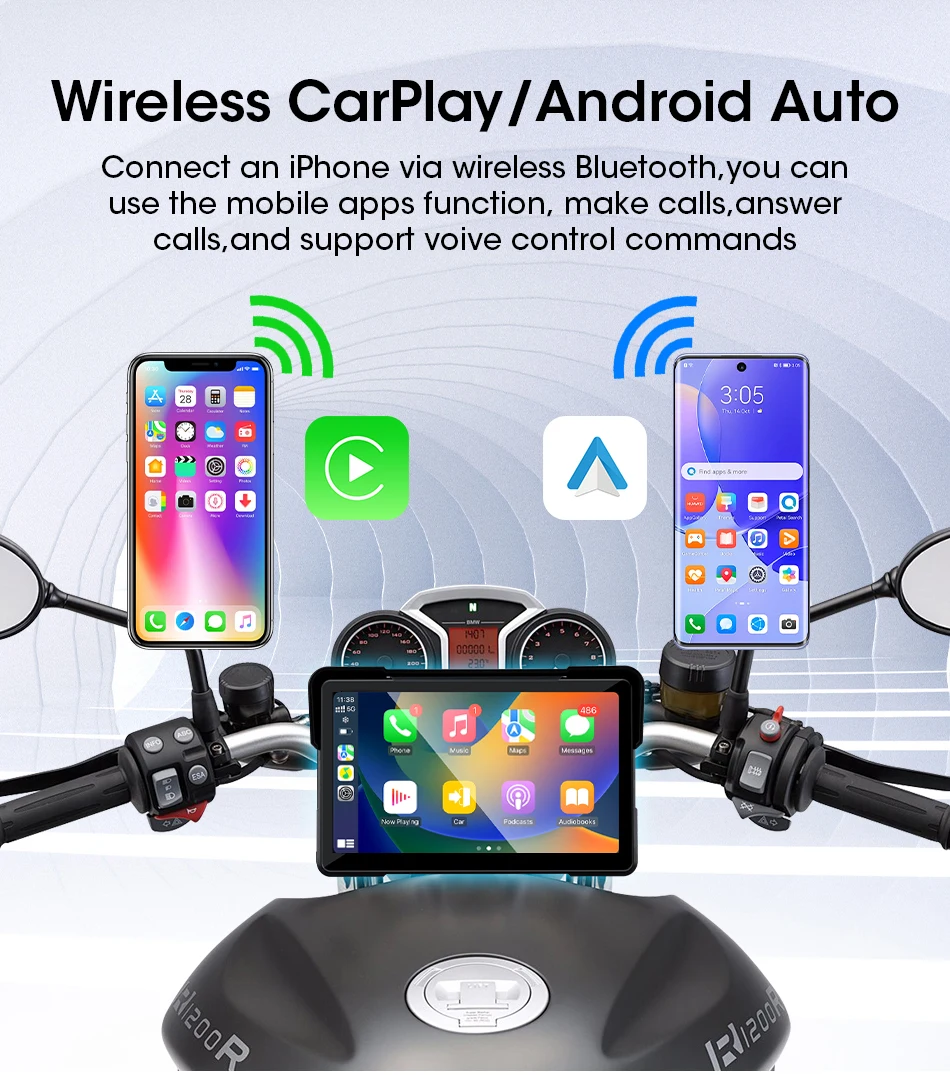
Supports Wireless CarPlay & Wireless Android Auto connection, wireless connection more convenient than wired connection, take what you want to do on your phone and put them on the touchscreen while riding – make calls, use maps, listen to music and access messages, with Siri/Google assistant voice control, the smarter, safer and more fun way to use your phone on a motorcycle.
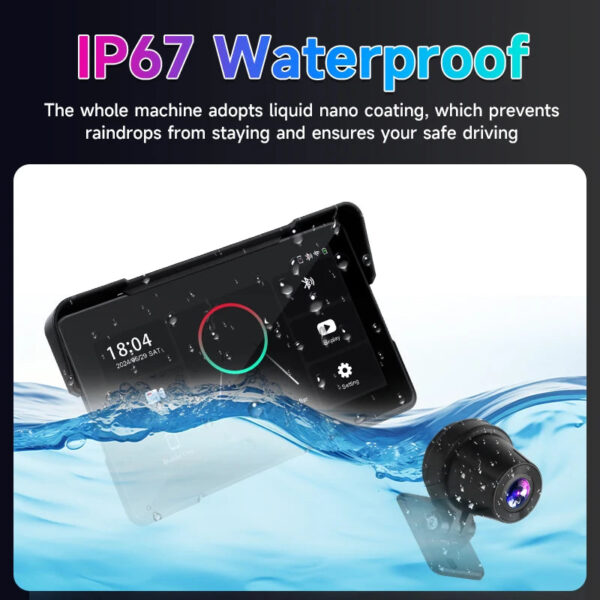
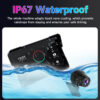
Waterproof & Anti-Theft Design: the motorcycle GPS unit with IP67 waterproof design and thief-proof detachable capacitive touchscreen remain under your control.
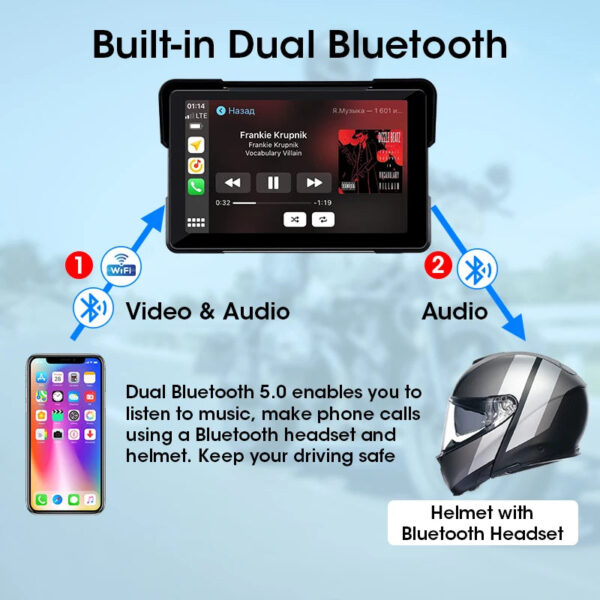
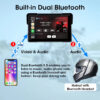
Built-in Dual Bluetooth: pair your phone to the carplay touch screen via Bluetooth, pair the unit to your Bluetooth helmet/earphone, then you can adjust the volume/switch songs and make hands-free calls by your helmet or earphone, so easy.
GPS Navigation by CarPlay or Android auto, use your smartphone built-in map apps such as Waze, google maps, maps etc.
After receiving the product, if you have any questions, we will provide you with professional instructions for use.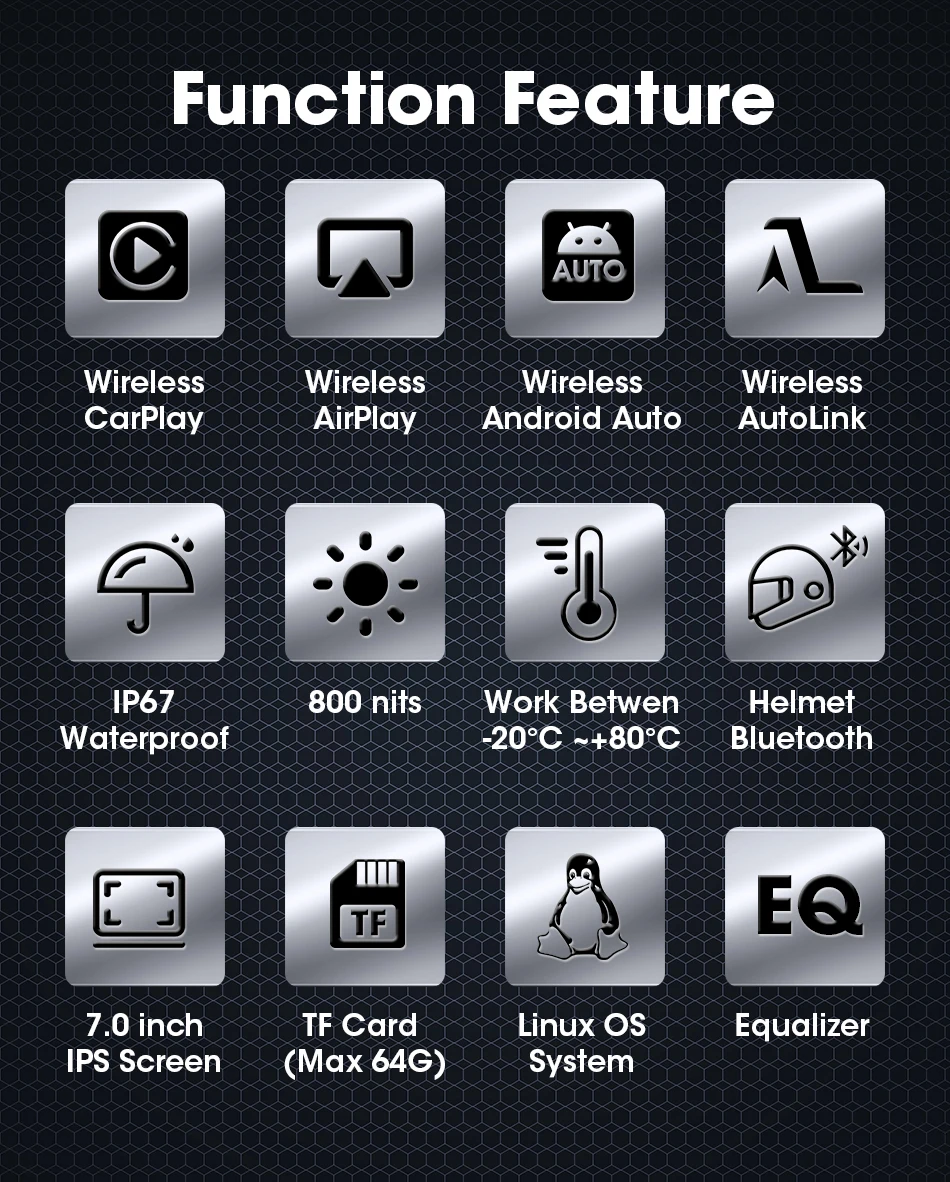
How to Connect Carplay & Android Auto:
Step 1: Click on “Carplay/Android Auto” to enter the connection page.
Step 2: Turn on the Bluetooth function of your phone, search for the Bluetooth device with the name “CAR-BT xxx”, pair it and click “Use Carplay/Android Auto”.
Connection video: https://video.aliexpress-media.com/seller/play/5000217050064.mp4
If the connection fails, you can try going to the general settings of your phone, find the Carplay settings section, delete all device connection records, and then try reconnecting.

Helmet connection method:
① Connect your phone to the Carplay machine via Bluetooth, and connect to Carplay or Android Auto.
② After successful connection, use your phone’s Bluetooth to connect to the helmet’s Bluetooth.



Note on SD Card Slots & DVR Cover:
This device includes two card slots: the DVR slot for video recording and the CARD slot for multimedia playback. To use the DVR function, insert your SD card into the DVR slot; for playing music or videos, insert it into the CARD slot.
Please note: The DVR slot cover is screw-fixed (waterproof design). Before inserting or removing a card, first unscrew the cover. Do not force it open, as this may damage the housing or screws.


GPS Navigation:
Supports online real-time map navigation when connecting to Carplay or Android Auto, which helps toavoid traffic jams and prevent you from getting lost.






FAQ:
1. How can I get support for questions or issues?
You can contact JMCQ Store via our official AliExpress link: https://www.aliexpress.com/store/1101399813. Our customer service team will assist you promptly.
2.Does the product support downloading software?
No. All products run on a Linux system and do not support software downloads. Please note this before purchasing.
3. What should I do if the machine fails to start or keeps restarting?
Use only the original ACC power cord included in the package (do not use third-party cords).
Ensure the power supply meets the specification: 12V (vehicle use) / 3A.
If the machine shuts down/restarts repeatedly (insufficient voltage), try starting without inserting the TF card (GPS or TF card may cause interference).
If using a cigarette lighter power cord, verify it complies with “12V 3A”—contact us for a replacement if not.
If issues persist, send a video of the operation to our customer service; our engineers will provide a solution.
4.How to use the navigation function?
The product has no built-in navigation software. Connect your phone via Bluetooth to enter CarPlay/Android Auto mode, where you can use navigation, calls, messaging, voice control, and music playback.
5.Why is CarPlay/Android Auto lagging?
A stable phone Bluetooth signal is required for connection. Lagging is normal if the Bluetooth signal is weak—ensure good signal strength.
6.What to do if CarPlay connection fails?
Compatible with iPhone 6 and above (supports wireless CarPlay).
Do not connect the phone to iWatch/Android smartwatches (third-party Bluetooth devices interfere).
Do not use the phone as a Wi-Fi hotspot while CarPlay is active.
7.What to do if Android Auto connection fails?
Android phones need 5G/WiFi to support Android Auto. Clear Google Play Services storage/cache in phone settings, then reconnect.
Do not connect to smartwatches or use the phone as a Wi-Fi hotspot during use.
Remove Bluetooth helmets from the phone’s Bluetooth list (may disrupt wireless Android Auto).
Huawei (EMUI) users: Enable “Always Open Phone Data” in developer options for wireless Android Auto (otherwise, only wired connection works).
8.Is the product waterproof?
Yes, it has an IP67 waterproof rating, suitable for rainy days. However, do not expose it to rain for more than 2 hours (prolonged exposure may cause internal short circuits). If exposed, air-dry in a well-ventilated place for 5 hours before use.
9.What if the screen has scratches or a film on it?
Any visible scratches are typically on the removable protective film, which is applied for shipping protection only. We recommend removing this film before use to avoid fingerprints, dust, and bubbles. Removing it does not affect the waterproof performance.
If the actual screen appears damaged, please contact us with photos for further assistance.
10.How to fix abnormal screen touch?
Calibrate the screen by pressing and holding it with five fingers simultaneously.
If you are satisfied with our product, you can give us a 5 star review. Your support is the driving force for us to continuously improve our products and services! Thank you very much!
Additional information
| Weight | N/A |
|---|
-
SOCCERBEE-Lite2 – GPS Tracker and Vest for Tracking Activities of Outdoor Sports Athletes Such as Soccer, Football, Rugby, Hockey, and Lacrosse (Small)
$152.90 Add to cart -
Vakumar Liquid Vacuum Sealer Machine, 90Kpa Vacuum Sealer Machine Preservation Dry/Moist/Liquid Modes, LED Indicator Light, Handle Locked Design, Built-in Cutter and Bag Storage, Removable Drip Tray
$159.49 Add to cart -
DULABRAHE 14 X 20 Inch Gold Ceiling LED Rain Shower Head Luxury Thermostatic Rainfall Shower System Fixtures With Body Jets Set
$955.90 Add to cart -
Multifunctional A4 Thermal Printer Bluetooth & Type-C Connection Compact Portable Mobile Printer for Travel Home Mobile Office
Price range: $163.14 through $164.70 Select options This product has multiple variants. The options may be chosen on the product page -
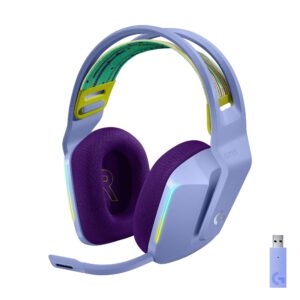
Logitech G733 LIGHTSPEED Wireless Gaming Headset with suspension headband, LIGHTSYNC RGB, Blue VO!CE mic technology and PRO-G audio drivers – Lilac
$148.50 Add to cart


Reviews
There are no reviews yet.